Shopify does not natively allow adding an extra fee to the Cash on Delivery (COD) payment method. Instead, this fee needs to be included as part of a shipping rate.
The Progus COD app helps solve this limitation by allowing you to assign specific shipping methods to the Cash on Delivery payment option.
You create a shipping method in Shopify that includes the COD fee (e.g. “Courier – Cash on Delivery: $5 extra”)
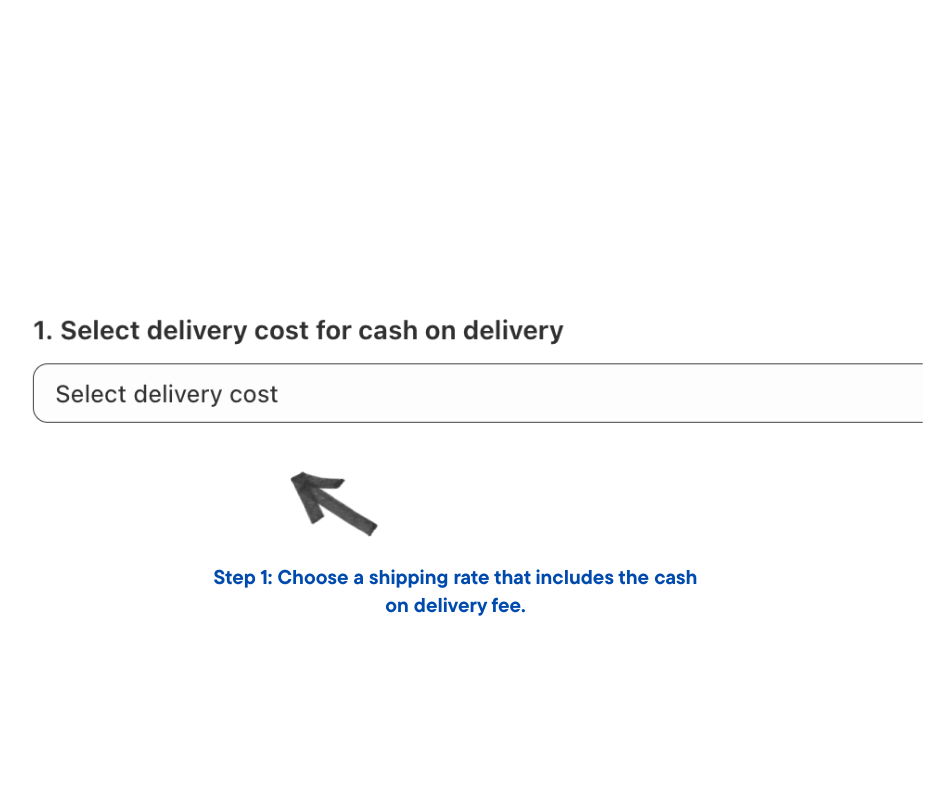
In the Progus COD app, you assign that shipping method to the Cash on Delivery payment
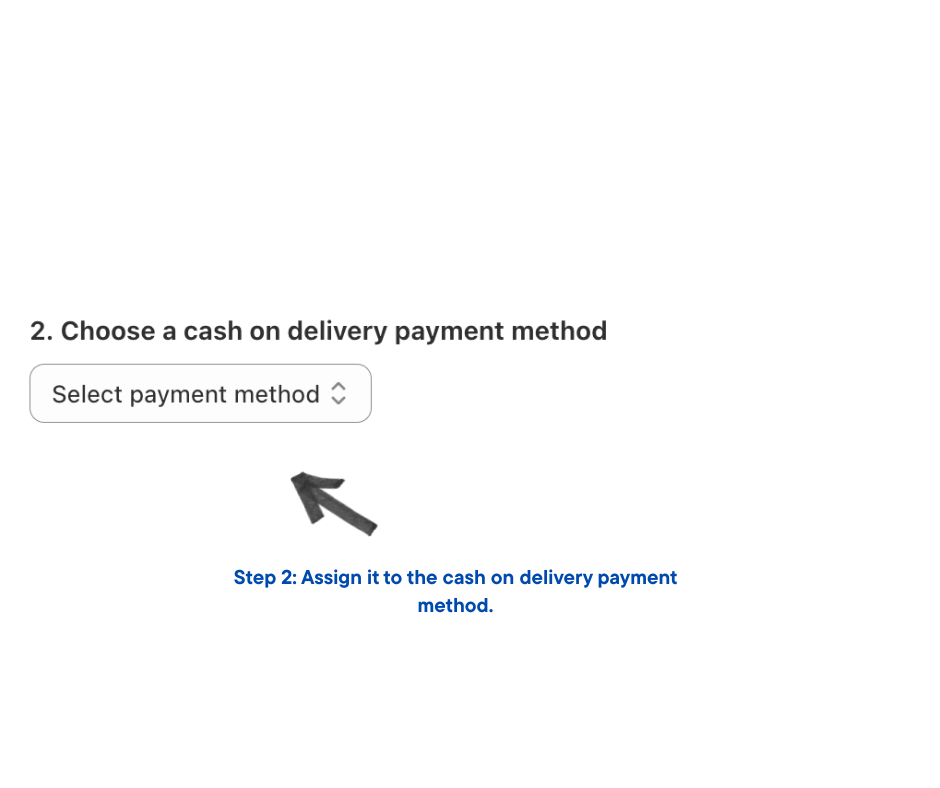
In the Progus COD app click “activate” button
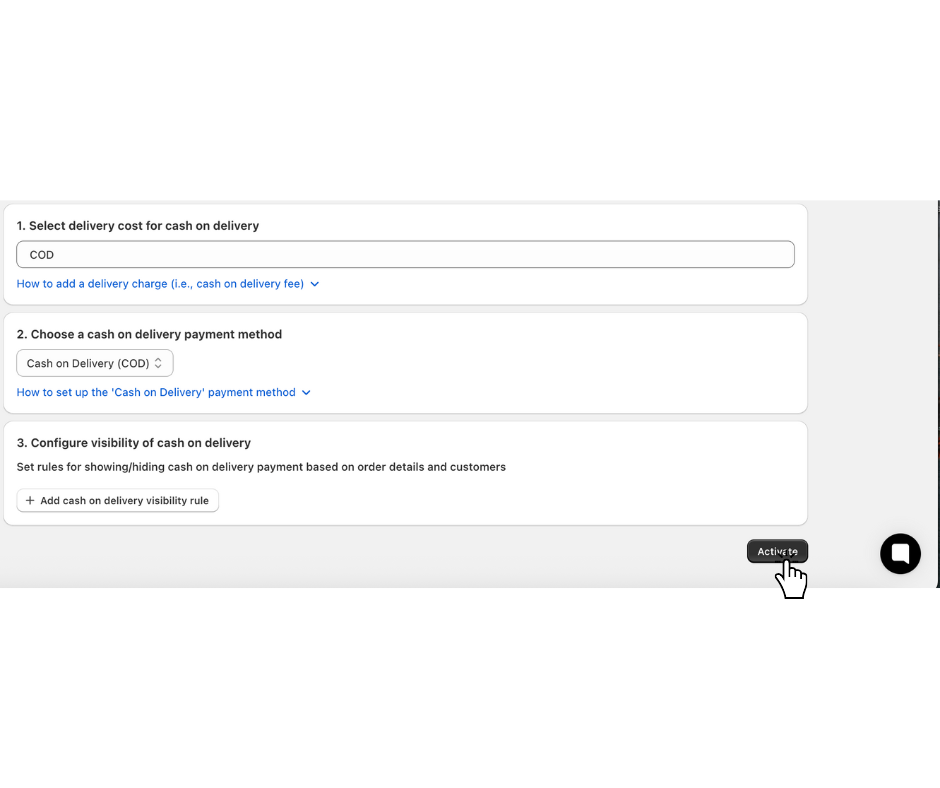
When a customer selects chosen shipping rate ( with COD fee) at checkout, they will only see the assigned payment option (Cash on Delivery)
Shopify does not support COD fees on the payment level, so they must be included in the shipping rate
Progus COD gives you full control over:
how much COD costs for the customer
who sees the COD option, and when
It prevents issues like customers selecting free shipping with cash on delivery, which could lead to losses
In your Shopify shipping settings, create:
"Courier – Cash on Delivery" – $19
In the Progus COD app, assign this shipping method to:
Cash on Delivery (COD)
When a customer chooses COD as their payment method, only this specific shipping method will be visible — including the fee.
